Basics
World environment
We start by creating the world environment
configure snap to 0.5
create a CSGBox3D of 10x1x10
use collision on
add environment to scene
add Sun to scene
Player
The player is the object representing the user. A camera is attached to the player in order to see the world.
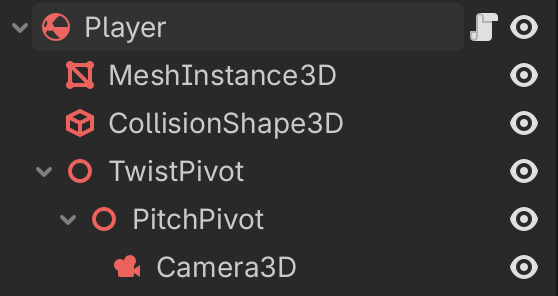
Create the objects as indicated:
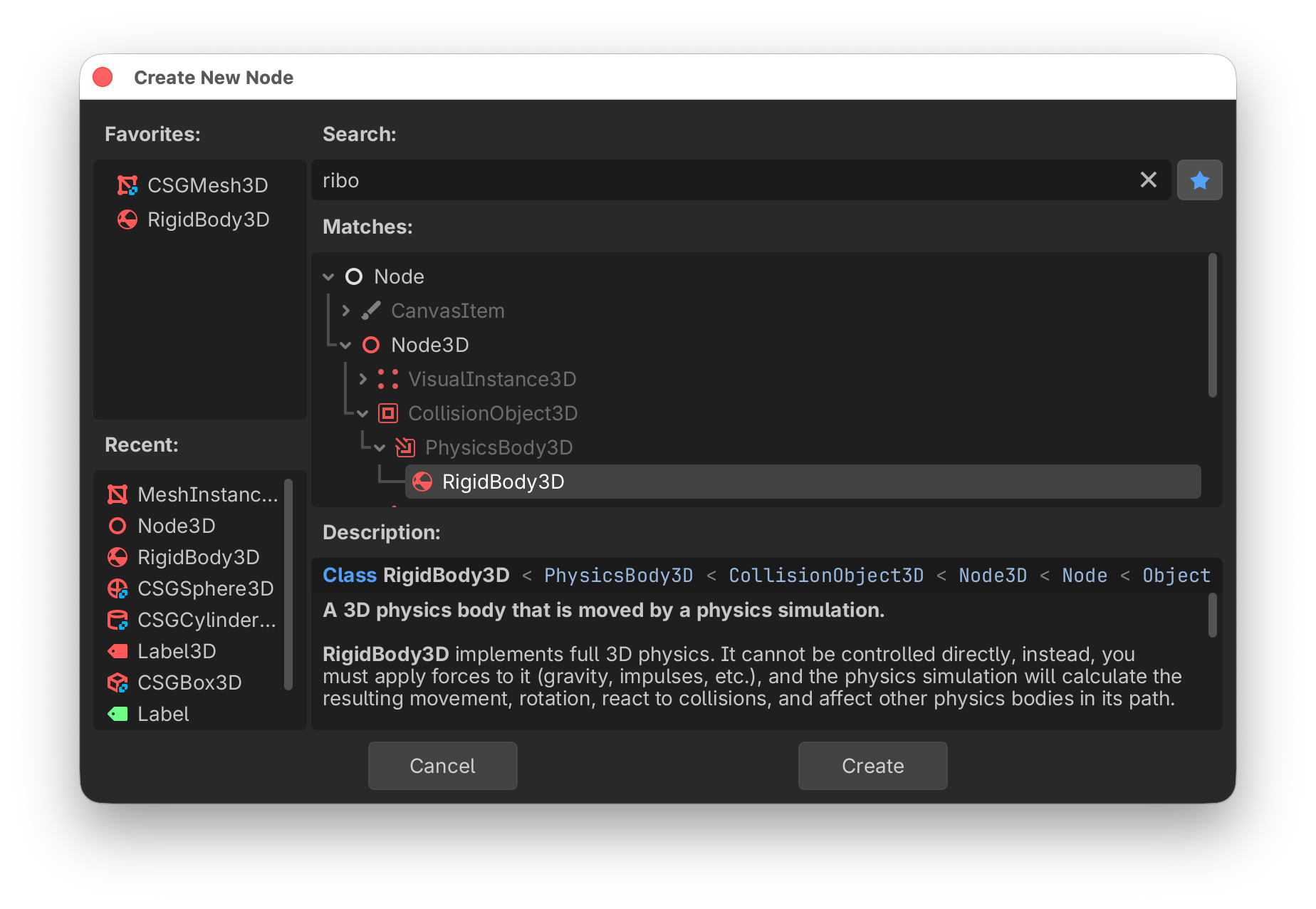
Create a RigidBody3D node and name it
PlayerAdd a MeshInstance3D and make it a capsule shape
Add a CollisionShape3D via the
Meshbutton (sibling, capsule)Add a Node3D and name it
TwistPivotAdd a child Node3D and name it
PitchPivotAdd a child Camera3D
This is the GDScript to move the player.
This
func _input(event: InputEvent) -> void:
	if event.is_action_pressed("jump"):
		apply_central_impulse(Vector3.UP * jump_impulse)

	if event is InputEventMouseButton:
		Input.set_mouse_mode(Input.MOUSE_MODE_CAPTURED)
All
extends RigidBody3D

@export var mouse_sensitivity := 0.001
@export var speed: float = 50.0
@export var jump_impulse: float = 5.0

@onready var twist_pivot: Node3D = $TwistPivot
@onready var pitch_pivot: Node3D = $TwistPivot/PitchPivot

var twist_input := 0.0
var pitch_input := 0.0


func _input(event: InputEvent) -> void:
	if event.is_action_pressed("jump"):
		apply_central_impulse(Vector3.UP * jump_impulse)

	if event is InputEventMouseButton:
		Input.set_mouse_mode(Input.MOUSE_MODE_CAPTURED)


func _ready() -> void:
	Input.set_mouse_mode(Input.MOUSE_MODE_CAPTURED)


func _process(_delta: float) -> void:
	var input := Vector3.ZERO
	input.x = Input.get_axis("move_left", "move_right")
	input.z = Input.get_axis("move_forward", "move_backward")

	apply_central_force(twist_pivot.basis * input * speed)

	if Input.is_action_just_pressed("ui_cancel"):
		Input.set_mouse_mode(Input.MOUSE_MODE_VISIBLE)

	twist_pivot.rotate_y(twist_input)
	pitch_pivot.rotate_x(pitch_input)
	pitch_pivot.rotation.x = clamp(
		pitch_pivot.rotation.x,
		deg_to_rad(-30),
		deg_to_rad(30),
	)
	twist_input = 0
	pitch_input = 0


func _unhandled_input(event):
	if event is InputEventMouseMotion:
		if Input.get_mouse_mode() == Input.MOUSE_MODE_CAPTURED:
			twist_input = -event.relative.x * mouse_sensitivity
			pitch_input = -event.relative.y * mouse_sensitivity
Creating a box
The following code creates a CSG box programmatically.
The @tool directive allows executing the program in the editor.
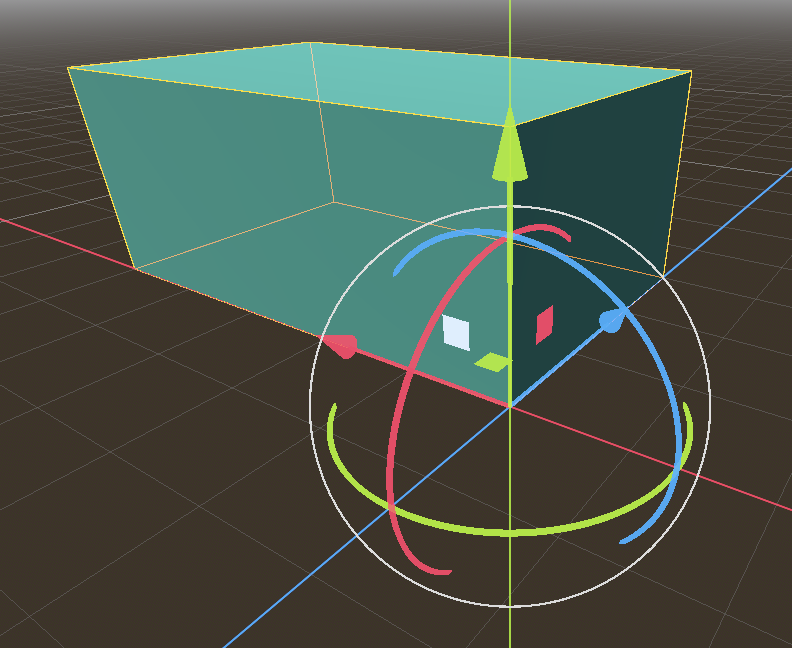
The size of the box and the material are exported to the inspector panel.
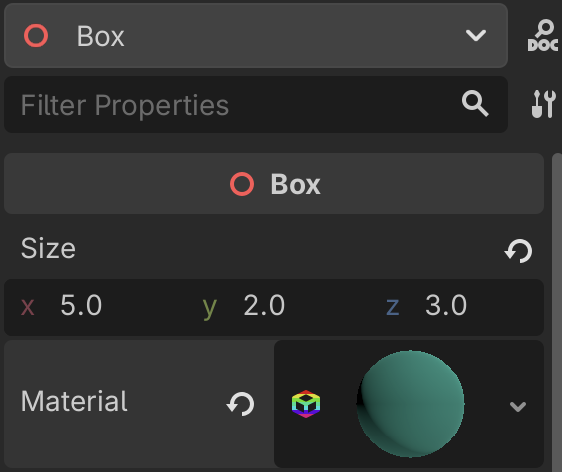
The corner of the box is aligned with the origin by offsetting the box by half of its size:
box.position = 0.5 * size
@tool
extends Node3D
class_name Box
## This class creates a Box.

## The size of the box.
@export var size = Vector3(2, 1, 4):
    set(x):
        size = x
        create()

## The box material.
@export var material: BaseMaterial3D


func _ready():
    create()

## Creating the box.
func create():
    for child in get_children():
        child.queue_free()

    var box
    box = CSGBox3D.new()
    box.size = size
    box.position = 0.5 * size
    box.material = material
    box.use_collision = true
    add_child(box)
Staircase
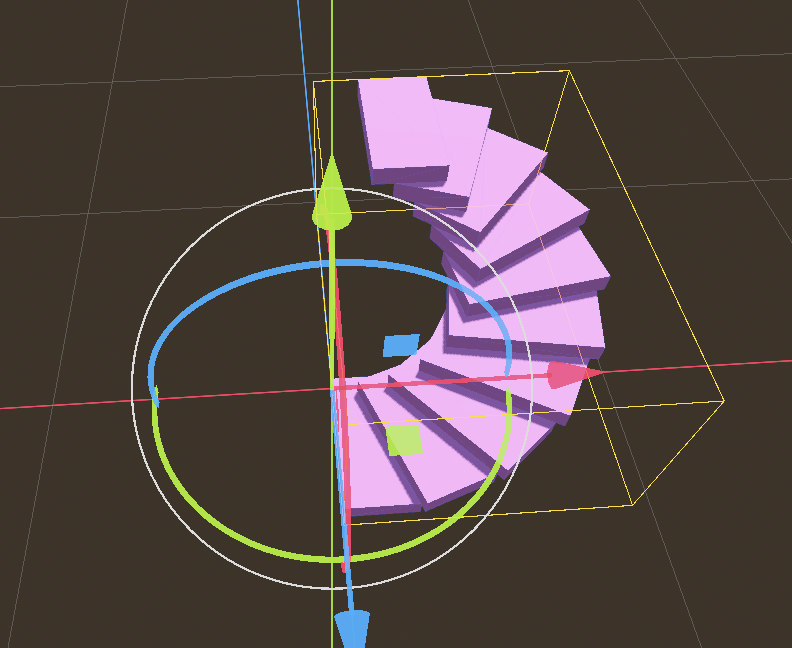
The following shows how to build a staircase. We place a first step.
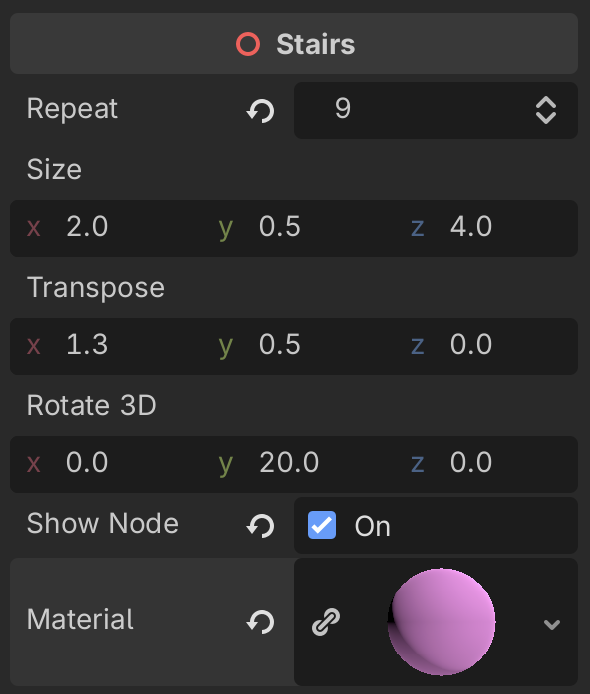
@tool
extends Node3D
## This class creates a staircase.
class_name Stairs

## Number of steps.
@export var repeat = 18:
    set(x):
        repeat = x
        if is_node_ready():
            create()

## Size of a step.
@export var size = Vector3(2, 0.5, 4):
    set(x):
        size = x
        if is_node_ready():
                create()

## Transposition vector (offset).
@export var transpose = Vector3(1.3, 0.5, 0):
    set(x):
        transpose = x
        create()

# Euler angles of rotation
@export var rotate_3d = Vector3(0, 20, 0):
    set(x):
        rotate_3d = x
        create()

# Show nodes in scene tree
@export var show_node = false:
    set(x):
        show_node = x
        create()

# Staircase material
@export var material: BaseMaterial3D


func _ready():
    create()


func create():
    for child in get_children():
        child.free()

    var box
    box = CSGBox3D.new()
    box.name = "Step"
    box.size = size
    box.position = 0.5 * size
    box.material = material
    box.use_collision = true
    add_child(box)
    if show_node:
        box.owner = get_tree().edited_scene_root

    for i in (repeat):
        box = box.duplicate()
        box.name = "Step" + str(i+1)
        box.translate(transpose)
        box.rotate_x(deg_to_rad(rotate_3d.x))
        box.rotate_y(deg_to_rad(rotate_3d.y))
        box.rotate_z(deg_to_rad(rotate_3d.z))
        add_child(box)
        if show_node:
            box.owner = get_tree().edited_scene_root
Download links
Download a Godot Script.
Download a Godot Scene.
Download a Godot Project.