Create 3D meshes
A polygon mesh is a collection of vertices, edges and faces that define the surface of a polyhedral object.
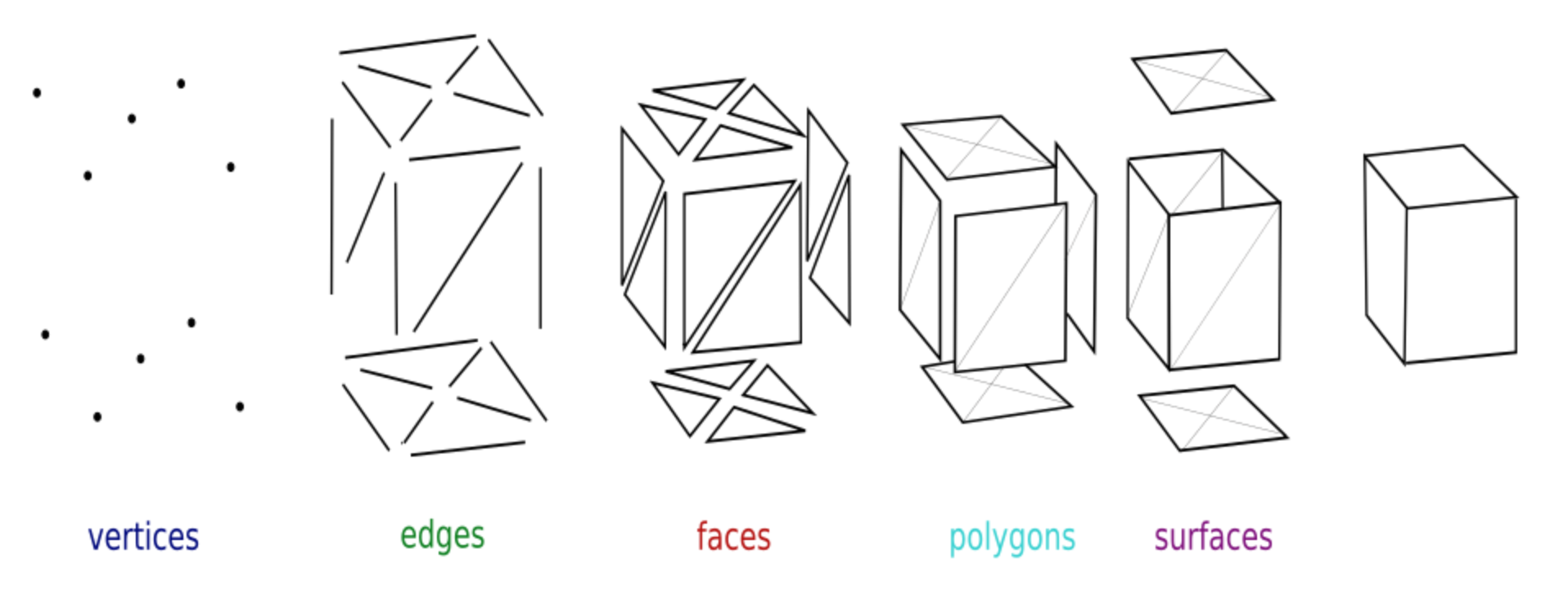
The above image shows these basic concepts:
a vertex is a point in 3D space (
Vector3)an edge is a connection between two vertices
a face is a closed set of edges, such as a triangle or a quad (quadrilateral)
a polygon is a flat (coplanar) set of faces
a surface is a grouping of connected polygons
Explore the MeshInstances3D
Create a new scene with cmd+N, or by clicking on the + sign.
add a root
Node3Dand rename toMeshInstance3Dadd a child node of
MeshInstance3Dclass and rename toBoxMesh
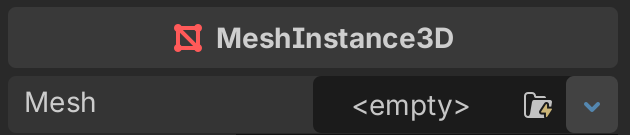
The Mesh attribute in the inspector will be empty.
You can select among these predefined meshes:
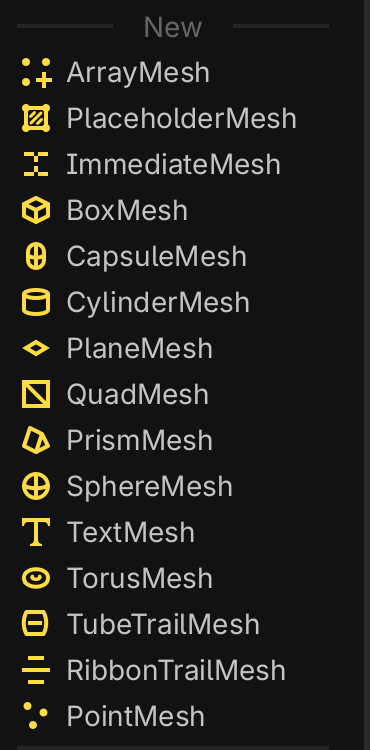
select the
BoxMeshthen add another
MeshInstance3Dwith aCapsuleMeshand add finally a node with a
CylinderMesh
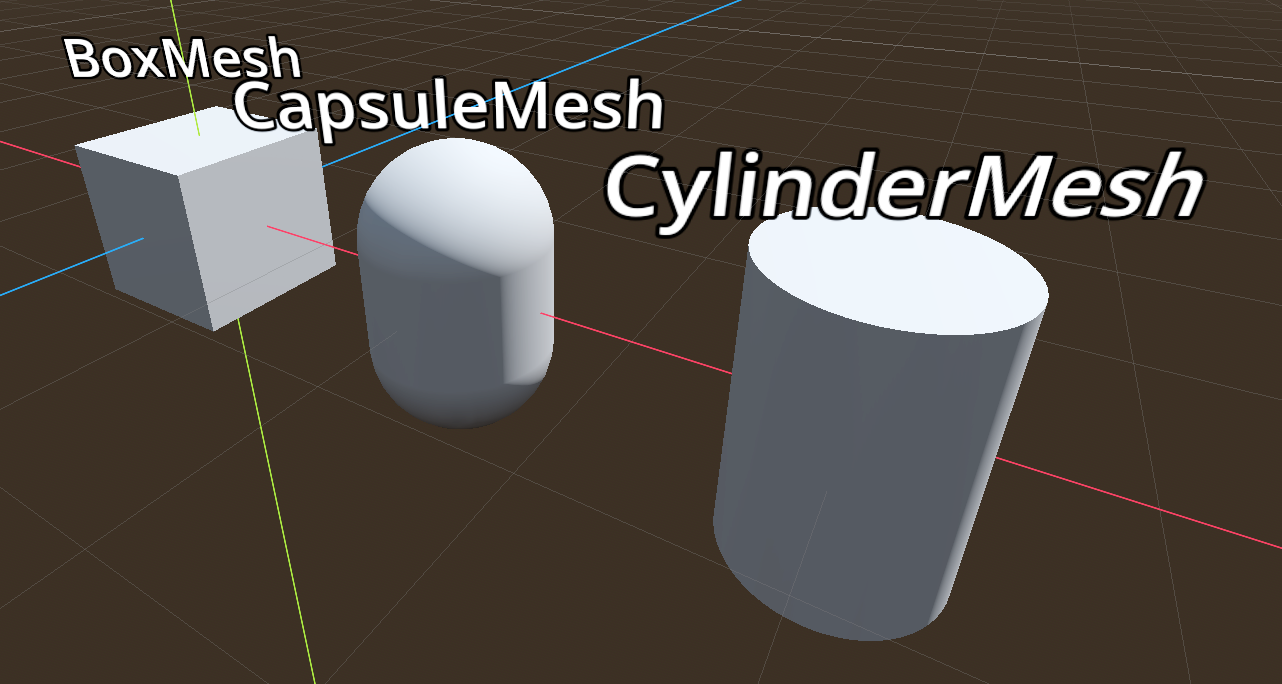
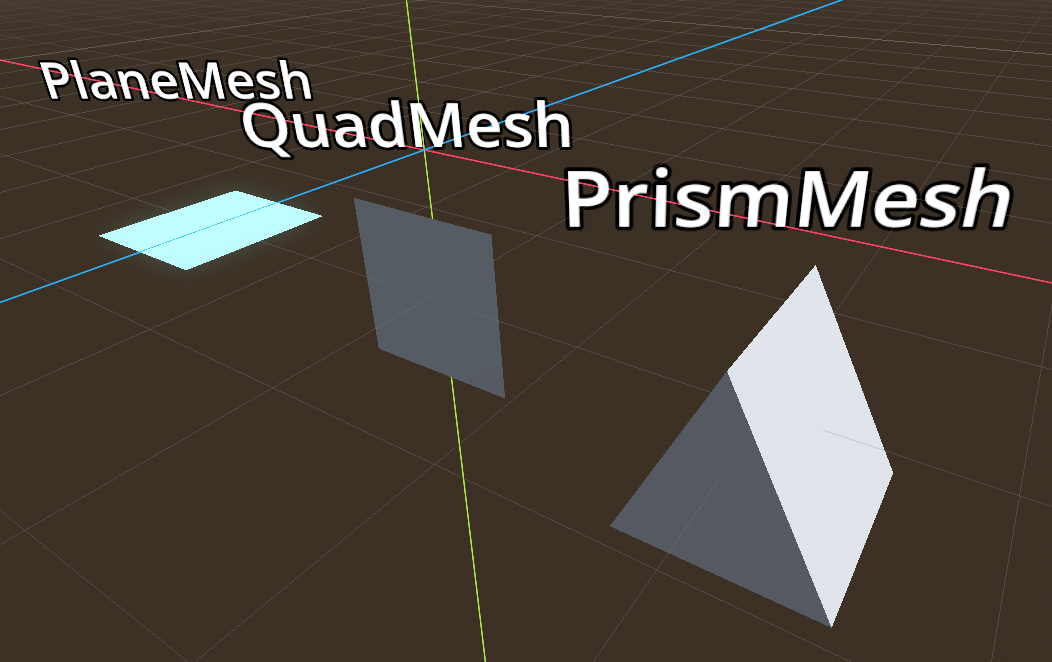
Add some more mesh instances:
the
PlaneMeshis a flat square which can be used as a floor.the
QuadMeshis basically the same thing as the PaneMesh, but vertical.the
PrismMeshis a triangular prism which can be deformed.
Finally add a:
SphereMeshTextMeshwhich displays text in 3DTorusMesh
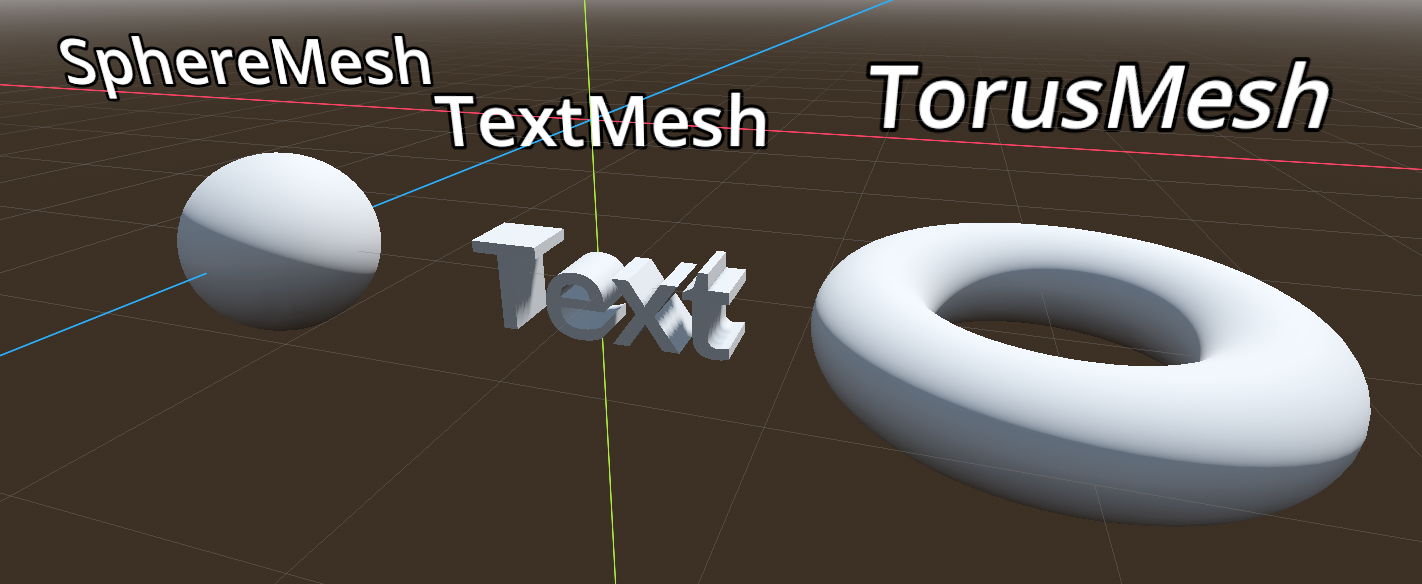
Add an automatic label
The text on top of each mesh has been added with a Label3D child node.
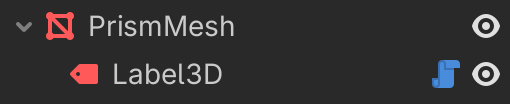
You notice the blue script icon. In fact the text of the label is automatically set to be the parent’s name.
 1@tool
 2extends Label3D
 3
 4## Button action to update the text.
 5@export_tool_button("Update") var action := create
 6
 7# Called when the node enters the scene tree for the first time.
 8func _ready() -> void:
 9	create()
10
11## Sets the `Label3D` text attribute to the parent's name.
12func create():
13	var parent = get_parent()
14	text = parent.name
Exercice 1
Create the 3 shapes, which are created from a red cube and a blue sphere
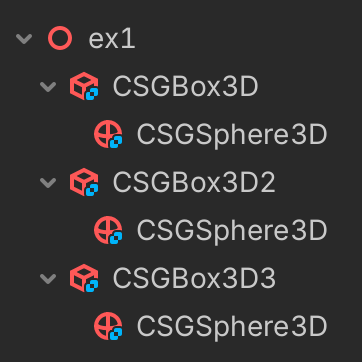
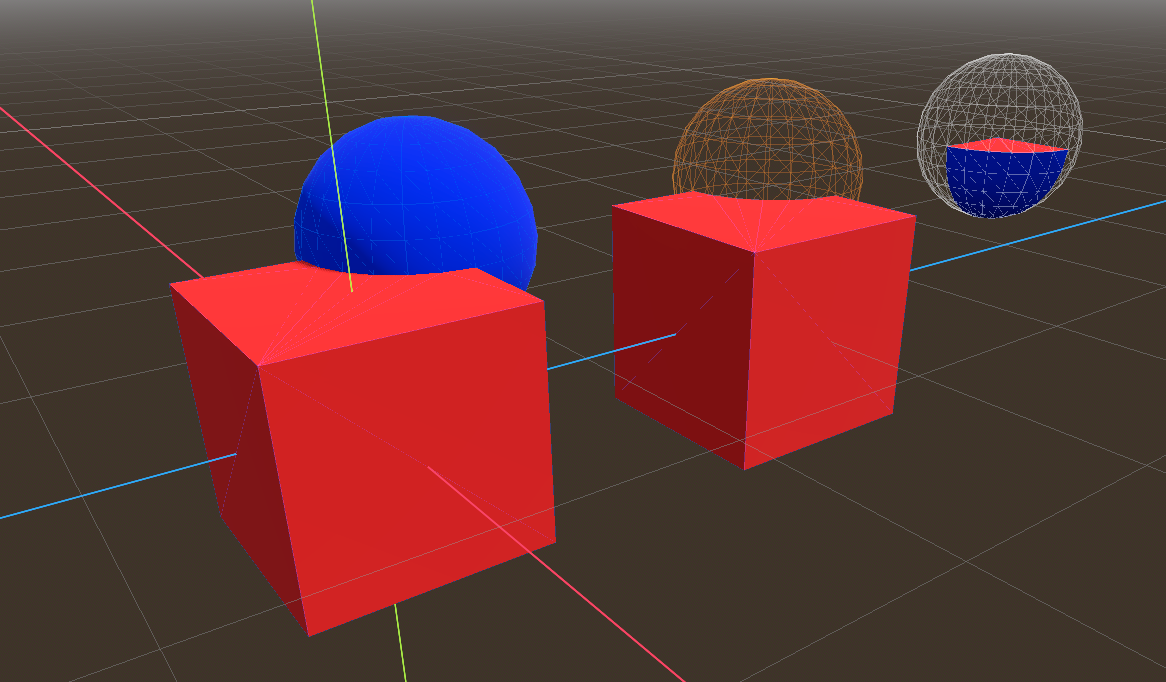
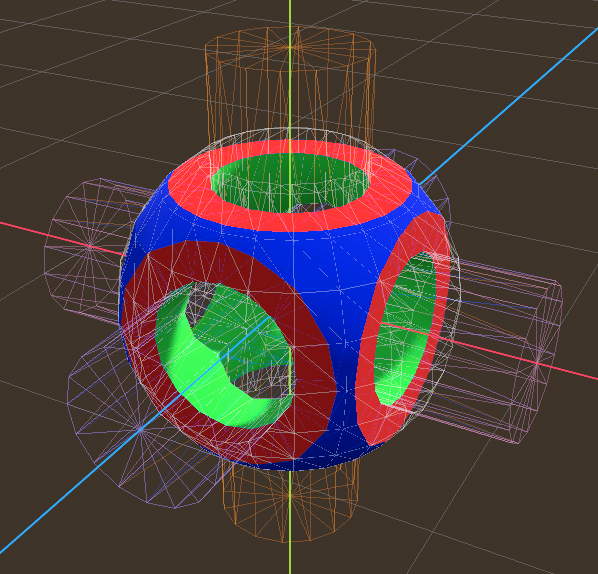
Exercice 2
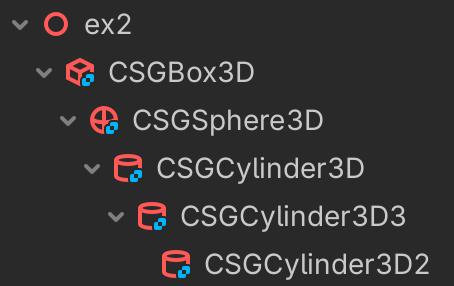
Create these complex shapes, which are combined with a
red cube
blue sphere
3 green cylinders